The “DB Edit” tab explained
Presentation of the interface
Section titled “Presentation of the interface”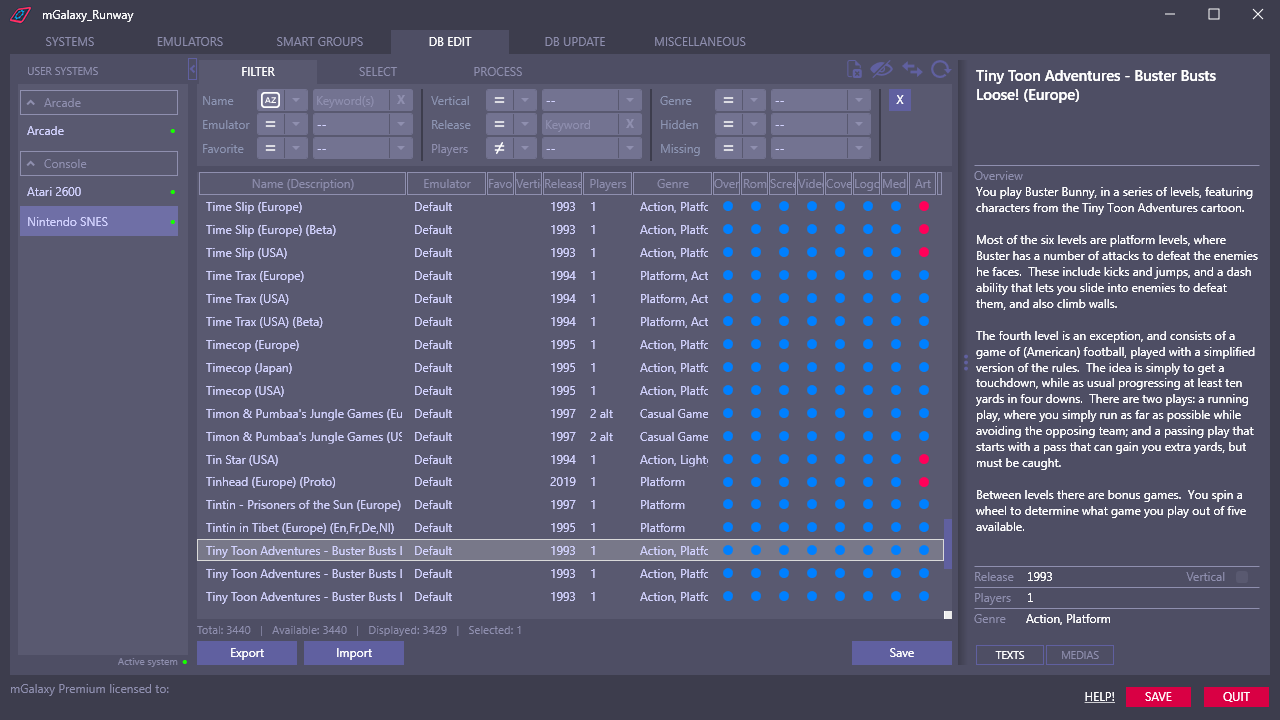 1234567891011
- Hiding the list of systems to enlarge the display area of the list of games.
- Switching between text and image/video data display.
- The "Name" and "Release" fields accept multiple values, separated by a comma.
- Refreshing of database information and presence of text, image, video data.
- Display the list of games by name or file name.
- Showing/not showing games marked as 'hidden'.
- Displaying/not displaying games whose file is missing.
- Drag handle to distribute space between the games list and data display.
- Reset all sorting keys.
- Very powerful multi-criteria filtering on name, emulator, 'favorite' marking, display orientation, release date, number of players, genre, 'hidden' marking, 'missing' marking.
- Color coding allows to quickly distinguish missing data.
In this tab we will obviously interact with the database.
It is divided into 3 groups: Filter, Select, Process, the 4th group being a Helper.
Very often the actions we will perform are in this order:
Filter games on one or more criteria, then select them, and finally process them.
Filter
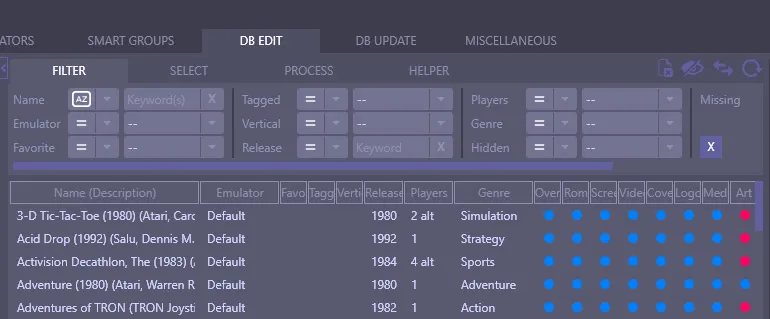
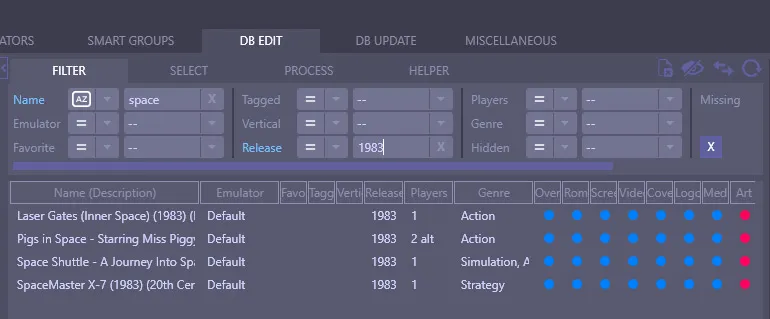
Section titled “Filter”Here we will filter the list of games according to criteria like name, emulator used, favorite or not, year of release, maximum number of players, etc…
These criteria are cumulative. So we can very well filter for example on a name AND a release date.
Select
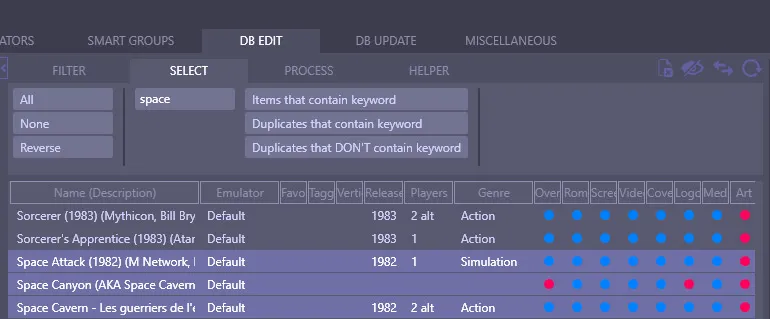
Section titled “Select”Here we can select/deselect all the games displayed or reverse the current selection with a click.
We can also, by the bias of a keyword, select all the games that contain this keyword (and thus, by the bias of the inversion of selection, also select all the games that do not have this keyword)
We can also select all “duplicates” that contain (or do not contain) the keyword.
By “duplicates” we mean games whose name is the same, except that it ends with information about the region (or an option) in brackets.
Example:
ActRaiser (Europe)
ActRaiser (France)
ActRaiser (Germany)
ActRaiser (Japan)
ActRaiser (USA)
From this list, if you wanted to keep only the USA version, you would type “(USA)” as the keyword and click on the “Duplicates that DON’T contain keyword” button. All the other versions would then be selected.
It would remain, in the next tab “Process” to mark them as “Hidden” or definitely delete them.
Process
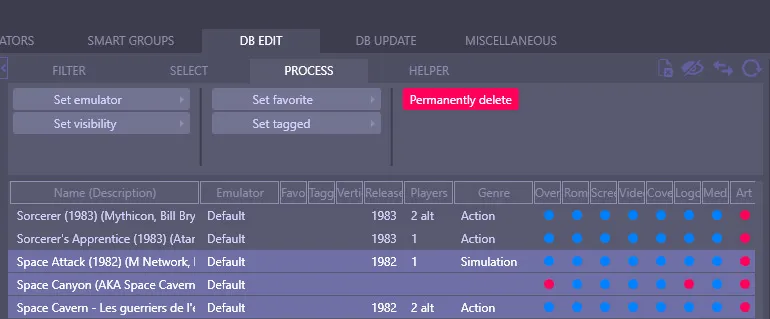
Section titled “Process”The actions in this tab will act on selected games.